
Anti Spoofing (Brand Security)
Guide to Applying the GMO Anti-Spoofing Seal
What is GMO Anti-Spoofing Seal?
GMO Anti-Spoofing Seal is a digital seal that certifies a site as authentic. Users can apply the seal on their website using JavaScript functionality, promoting a secure and trustworthy internet experience for site visitors.
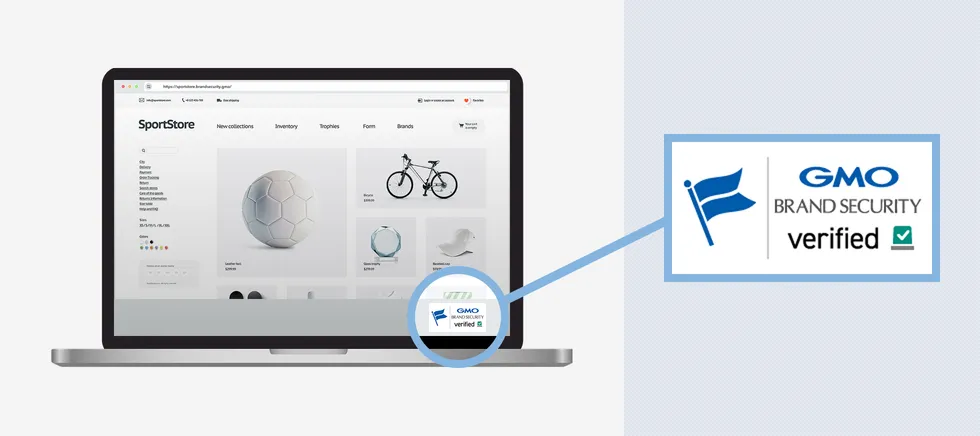
GMO Anti-Spoofing Seal Features
Integration with Verified Mark Certificate (VMC)
GMO Anti-Spoofing Seal is issued only to sites where our Verified Mark Certificate (VMC) is set in the BIMI record.
Additionally, by clicking on GMO Anti-Spoofing Seal, users can verify the details of the Verified Mark Certificate (VMC).
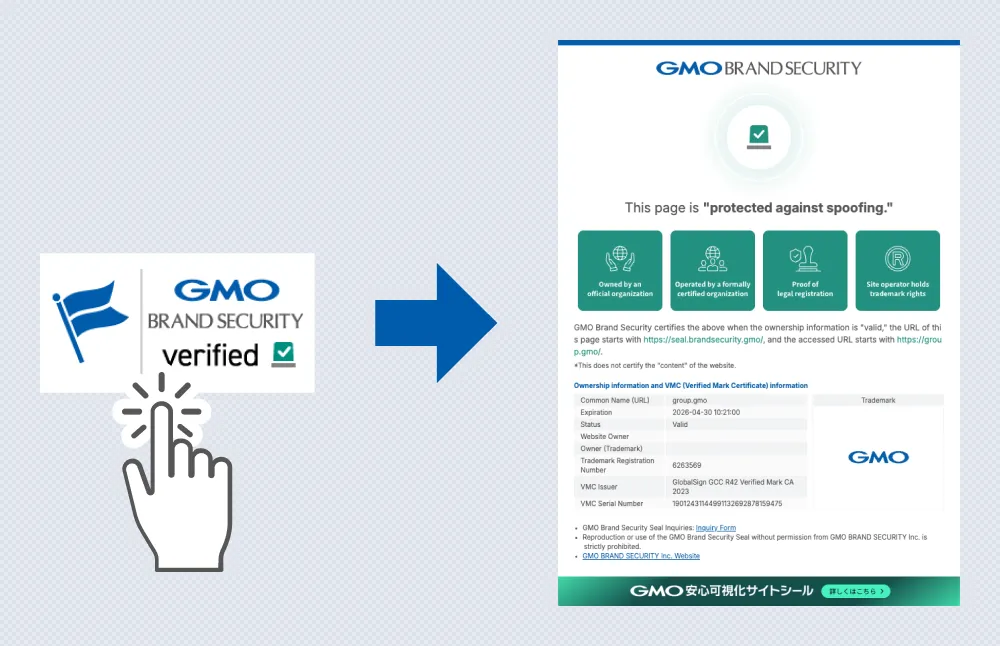
Impersonation and Phishing Monitoring
We monitor impersonation and phishing sites targeting websites with GMO Anti-Spoofing Seal.
By monitoring impersonation and phishing sites globally, if a site displays GMO Anti-Spoofing Seal, it is cross-checked against the list of sites with the seal (whitelist). If the site is not on the whitelist, it is automatically reported.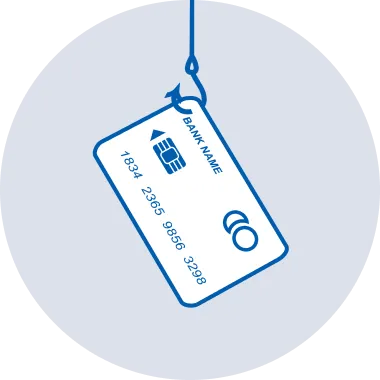
Technical Requirements
Conditions for Applying GMO Anti-Spoofing Seal
For sites applying GMO Anti-Spoofing Seal, please ensure the following settings are in place:
- JavaScript is enabled
- A BIMI record is correctly set for the website’s domain
- The script issued according to "GMO Anti-Spoofing Seal Installation Guide" is implemented in the HTML source.
Effects of Applying GMO Anti-Spoofing Seal
By displaying GMO Anti-Spoofing Seal, users will be able to verify the following information.
- Display the seal to verify that the site is authentic
- Show detailed information of the Verified Mark Certificate
- Image recognition for finding impersonations and phishing monitoring
How to Install GMO Anti-Spoofing Seal
Once you select your preferred design and size, the script will appear in the "Step 3: Script Installation" section.
Setup is now complete. The GMO Brand Security server will authenticate your website and dynamically deliver the site seal.